01 · Score
Tap the score as games finish
Two numbers a game. The winners go bold and the standings move.
- Every game on its court, every round in order
- Who’s resting written on each round
- Move or delete a game when the night changes
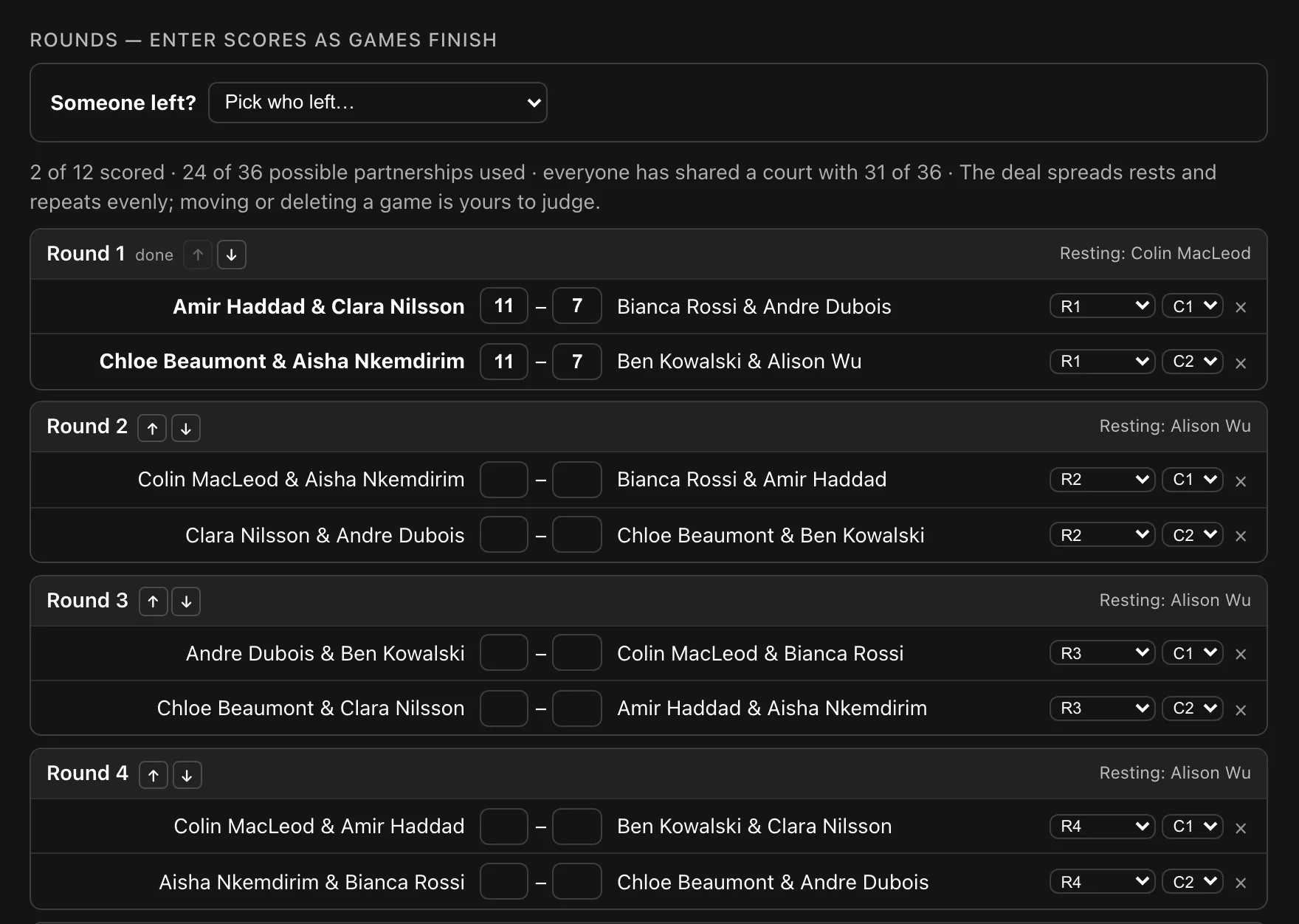
Tap the score at the court and the standings update — on the organiser’s screen and on every member’s phone at the night.
How it works
01 · Score
Two numbers a game. The winners go bold and the standings move.
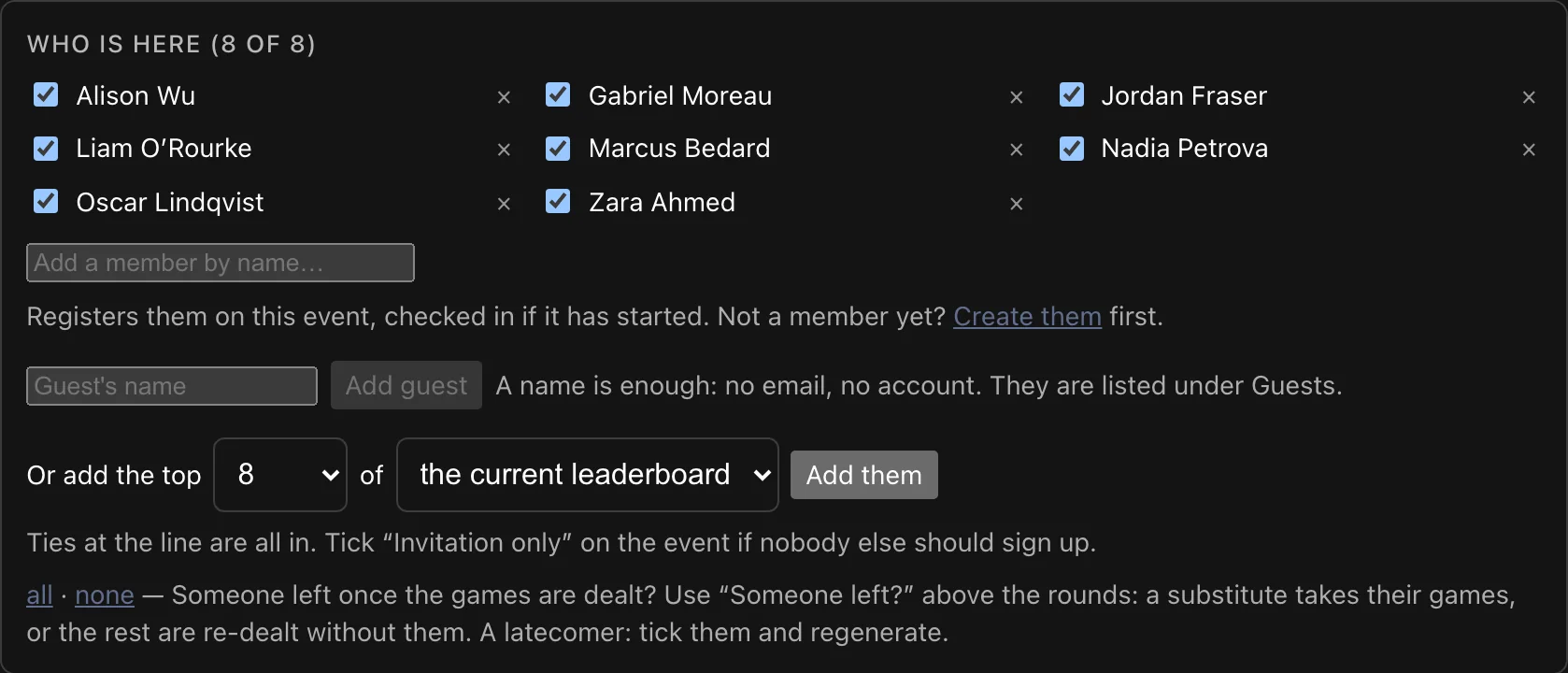
02 · Someone left
Pick who left: a substitute takes their games, or the rest of the night is re-dealt without them.
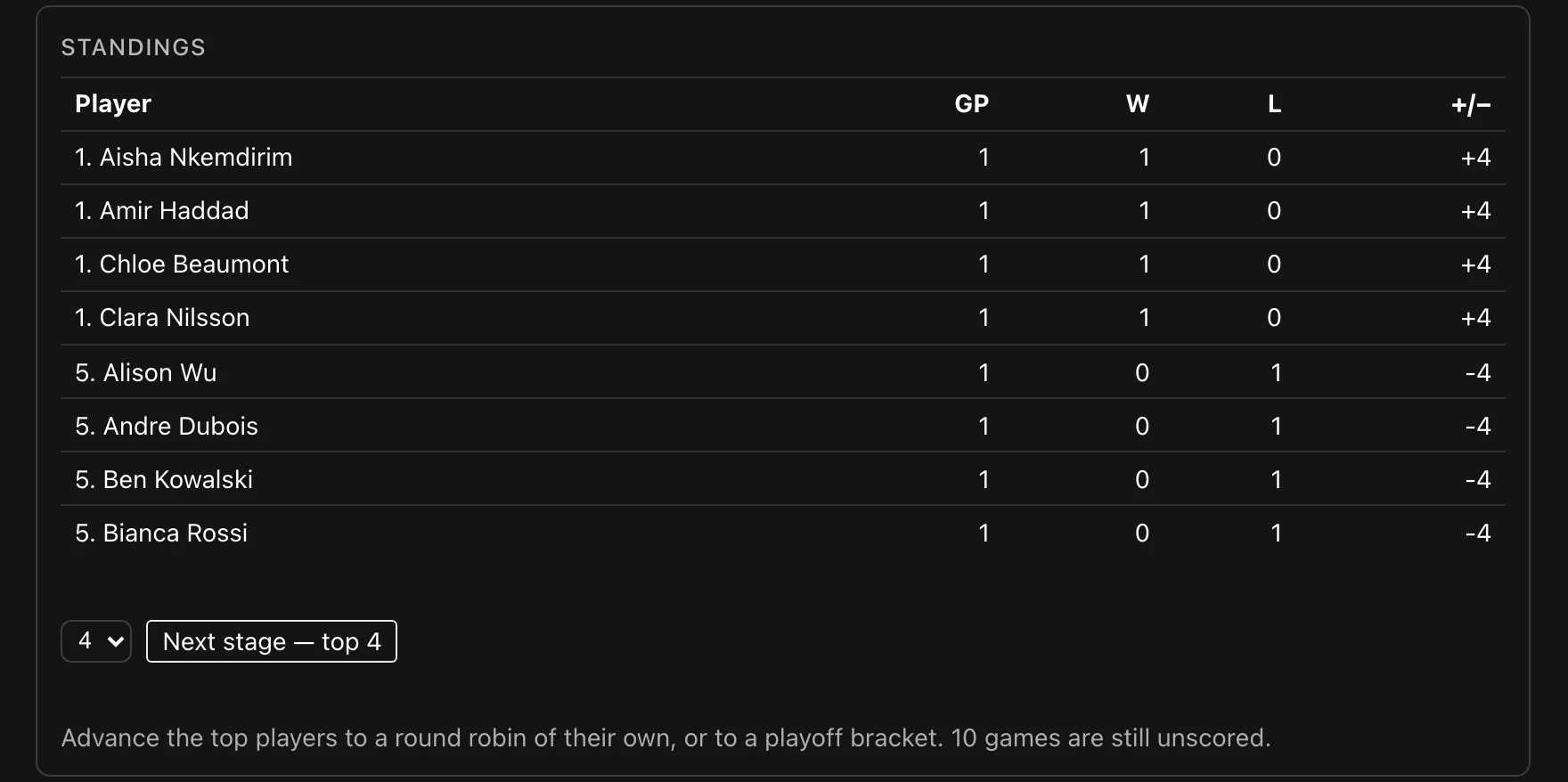
03 · Standings
Games played, wins, losses and point difference, updated as each score goes in.
04 · By hand
Record a match by hand — any two sides in the session — and it counts like the rest.

On their phones
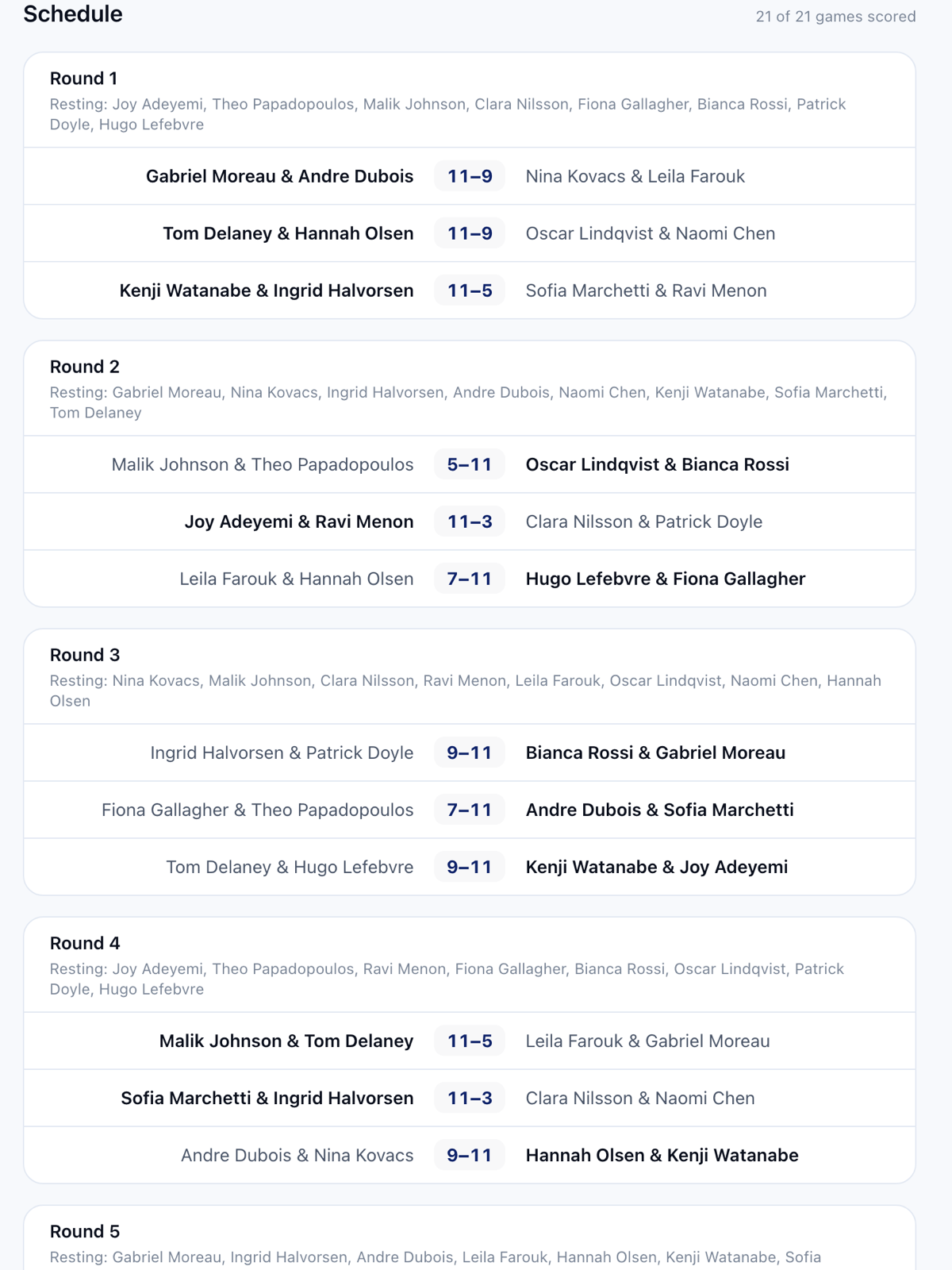
Every round on the event page of your club’s site: their court, their partner, their opponents, who’s resting, and the scores as they go in. After the night, their record and their place on the board.
Busy night? Switch on member scoring and players enter their own game’s score from the event page. Someone who played confirms it, and a score that doesn’t match goes to the organiser.
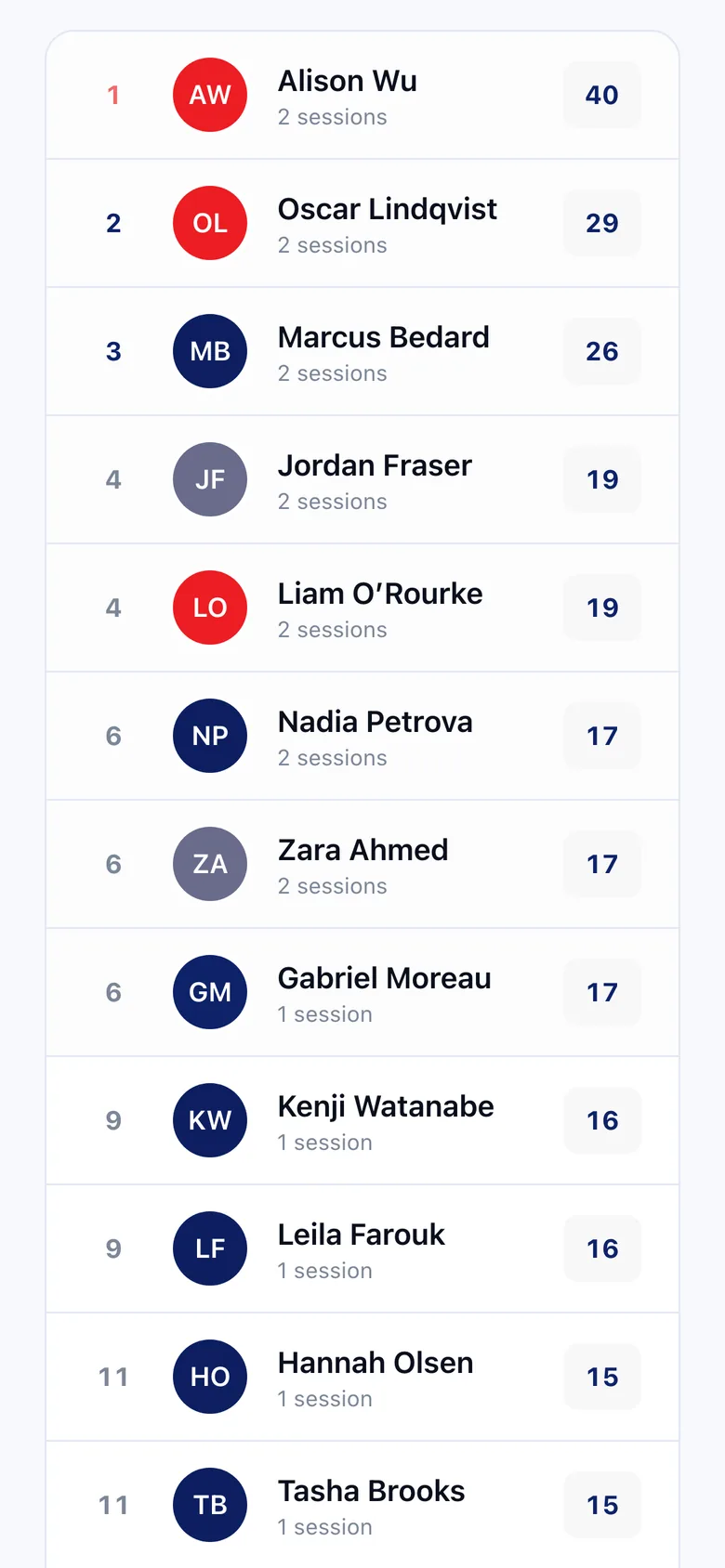
After the last game
Turn the standings into finishing positions with one button.
Award the night’s points to the season from the same screen.
Every member’s win–loss record, on their profile and in the directory.